Introduction
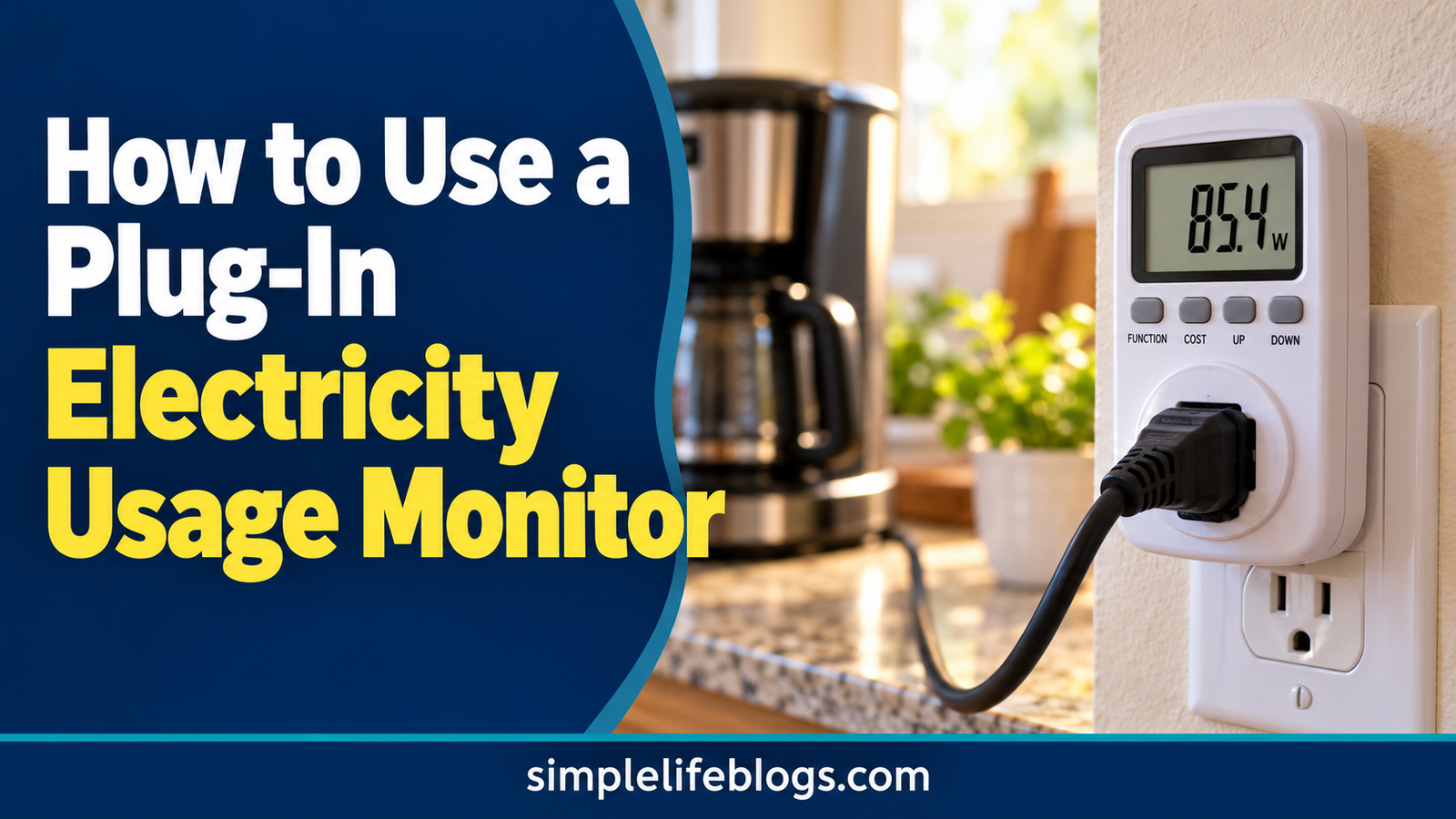
A plug-in electricity usage monitor measures how much electricity a compatible appliance consumes. You plug the monitor into a suitable wall outlet, connect the appliance to the monitor, and read the power or energy measurements on its display. Many models show watts, kilowatt-hours (kWh), voltage, and estimated electricity costs.
Using an electricity monitor can help you identify energy-hungry appliances, estimate running costs, and understand your household electricity use. However, you must choose a monitor that matches your outlet, voltage, current rating, and appliance requirements.
What Is a Plug-In Electricity Usage Monitor?
A plug-in electricity usage monitor is a small measuring device that sits between a wall outlet and an appliance. It measures the electricity passing through it and displays information about the appliance’s consumption.
Depending on the model, the monitor may show:
- Watts (W): How much electrical power the appliance is drawing at that moment.
- Kilowatt-hours (kWh): The amount of electrical energy used over time.
- Voltage (V): The electrical voltage supplied to the appliance.
- Current (A): The electrical current flowing through the device.
- Estimated cost: The approximate cost of electricity used, based on a rate you enter.
- Accumulated energy use: Total kWh measured over a selected period.
Not every monitor provides all these readings. Check the product manual to understand what your model measures and how its display works.
1. Check Whether Your Appliance Is Compatible
Before connecting a monitor, check its electrical ratings and the appliance’s requirements.
A typical plug-in monitor is intended for compatible plug-in appliances, such as:
- Table lamps and floor lamps
- Televisions and desktop computers
- Small fans
- Some small kitchen appliances
- Certain dehumidifiers and other household devices, if the monitor is suitably rated
Compatibility depends on the monitor, outlet, and appliance—not just the appliance’s size.
Appliances that need extra care
Do not assume a standard plug-in monitor is suitable for every appliance. High-power heaters, air conditioners, refrigerators, pumps, and motor-driven devices may have starting currents or electrical loads that exceed a monitor’s rating.
Hardwired appliances, such as many central HVAC systems and electric water heaters, cannot be measured directly with an ordinary plug-in monitor. These may require a suitable whole-home energy monitor or professional measurement.
Before using a monitor, check:
- The permitted voltage and current
- Maximum power rating in watts or volt-amperes, where specified
- Outlet and plug compatibility
- Whether the device supports motor or compressor loads
- The manufacturer’s restrictions and safety instructions
Never exceed the monitor’s rated capacity. Do not use damaged equipment, force incompatible plugs, or connect several adapters to work around a rating limit. If you are unsure, choose another measurement method or ask a qualified electrician.
2. How to Use an Electricity Usage Monitor Step by Step
The exact controls vary by model, but the basic process is similar for many plug-in monitors.
Step 1: Read the instruction manual
Check the monitor’s ratings, operating instructions, and supported appliance types. If it has a cost-estimation function, find out how to enter your electricity rate.
Step 2: Choose a suitable appliance
Start with a compatible plug-in appliance that operates normally and can be measured safely. A lamp, television, or suitable fan may be easier to assess than a high-power heating appliance.
Step 3: Connect the monitor
With the appliance switched off, connect the monitor to a compatible wall outlet according to the manufacturer’s instructions. Then connect the appliance to the monitor.
Make sure the plugs fit securely. Keep the monitor’s ventilation openings clear, if present, and avoid locations where it may become wet or exposed to excessive heat.
Step 4: Switch on the appliance
Operate the appliance as you normally would. The monitor may immediately display the power being drawn in watts.
For devices that cycle on and off, such as refrigerators, a single reading may not represent their typical consumption. Some appliances also draw different amounts of power during startup, heating, cooling, or standby.
Step 5: Record the watt reading
Look for a value marked W or watts. This shows the power being drawn at that moment, within the monitor’s measurement capabilities.
Record the reading along with the appliance’s operating mode. For example, a television may draw different amounts of power depending on screen brightness and settings.
Step 6: Measure energy over time
If your monitor measures accumulated kWh, leave it connected for a representative period while the appliance operates normally.
For a simple device, a few hours may be enough to understand its typical power use. For equipment that cycles on and off, a longer measurement period may provide a more representative result.
Some monitors reset their accumulated energy counter when unplugged or when a reset button is pressed. Check the manual before beginning so you do not accidentally lose your readings.
Step 7: Calculate the operating cost
If the monitor estimates cost, enter your electricity rate if the model supports that feature. Otherwise, record the kWh reading and calculate the cost yourself.
Estimated energy cost = kWh used × electricity rate per kWh
For example, if the monitor records 1.5 kWh and your rate is $0.16 per kWh:
1.5 × $0.16 = $0.24
The estimated energy cost for that measured period is 24 cents.
3. Understand Watts and kWh on Your Electricity Monitor
Watts and kilowatt-hours are related, but they tell you different things.
| Reading | What it tells you | How to use it |
|---|---|---|
| Watts (W) | Power being drawn at a particular moment | Understand the appliance’s current power demand |
| Kilowatt-hours (kWh) | Energy consumed over time | Estimate electricity consumption and cost |
| Voltage (V) | Electrical voltage | Check operating conditions if needed |
| Current (A) | Electrical current | Understand current draw within the monitor’s limitations |
| Cost estimate | Approximate energy cost | Compare operating costs when the rate is entered correctly |
Example: A 100-watt appliance
Suppose a device draws 100 watts and operates for five hours.
Convert watts to kilowatts:
100 ÷ 1,000 = 0.1 kW
Calculate energy use:
0.1 × 5 = 0.5 kWh
At $0.16 per kWh, the estimated energy cost is:
0.5 × $0.16 = $0.08
The appliance uses an estimated 0.5 kWh and costs 8 cents to run for five hours at this rate.
Why watts can change during use
Some appliances draw roughly consistent power while operating. Others vary considerably.
A computer may use more power during demanding tasks. A refrigerator’s compressor cycles on and off. A heater controlled by a thermostat may stop heating after the room reaches its set temperature.
For these devices, accumulated kWh measured over a representative period is usually more useful for estimating costs than multiplying one instantaneous watt reading by every hour of the day.
4. How to Estimate Daily and Monthly Appliance Costs
You can use the monitor’s accumulated kWh reading to estimate the cost of operating an appliance.
Method 1: Use the monitor’s kWh reading
Suppose your monitor records 2.4 kWh over one day and your electricity rate is $0.16 per kWh.
Daily cost:
2.4 × $0.16 = $0.384, or about 38 cents.
If the appliance uses the same amount every day for 30 days:
2.4 × 30 = 72 kWh per month.
72 × $0.16 = $11.52 per month.
This monthly figure assumes daily use stays similar throughout the month.
Method 2: Calculate cost from watts and operating time
If your monitor shows a fairly steady power reading, you can estimate energy use using this formula:
Energy used (kWh) = Watts × Hours ÷ 1,000
Then calculate the cost:
Running cost = kWh × Electricity rate
For example, a 200-watt device operating for four hours uses:
200 × 4 ÷ 1,000 = 0.8 kWh.
At $0.16 per kWh:
0.8 × $0.16 = $0.128, or about 13 cents.
This method is less accurate if the appliance’s power draw changes frequently during operation.
For more calculations, use our appliance running cost calculator.
5. Which Appliances Should You Measure First?
Start with appliances that run for long periods, draw substantial power, or have unclear operating patterns.
| Appliance | What to look for | Measurement tip |
|---|---|---|
| Television | Power differences between settings | Compare typical viewing modes |
| Desktop computer | Changes in power during different tasks | Measure a representative work session |
| Fan | Power use at different speed settings | Record each setting separately |
| Refrigerator | Energy use as the compressor cycles | Measure over a sufficiently long period |
| Dehumidifier | Energy use during normal operation | Account for changes in humidity and operating time |
| Small kitchen appliance | Energy used during a typical task | Record a complete operating cycle if appropriate |
Only measure an appliance if your monitor is rated for that appliance and its electrical characteristics. Some high-power or motor-driven equipment is not suitable for ordinary plug-in monitors.
For appliances that cannot be measured safely with a plug-in device, use manufacturer energy data or a compatible whole-home monitoring system.
6. How to Identify Standby Electricity Use
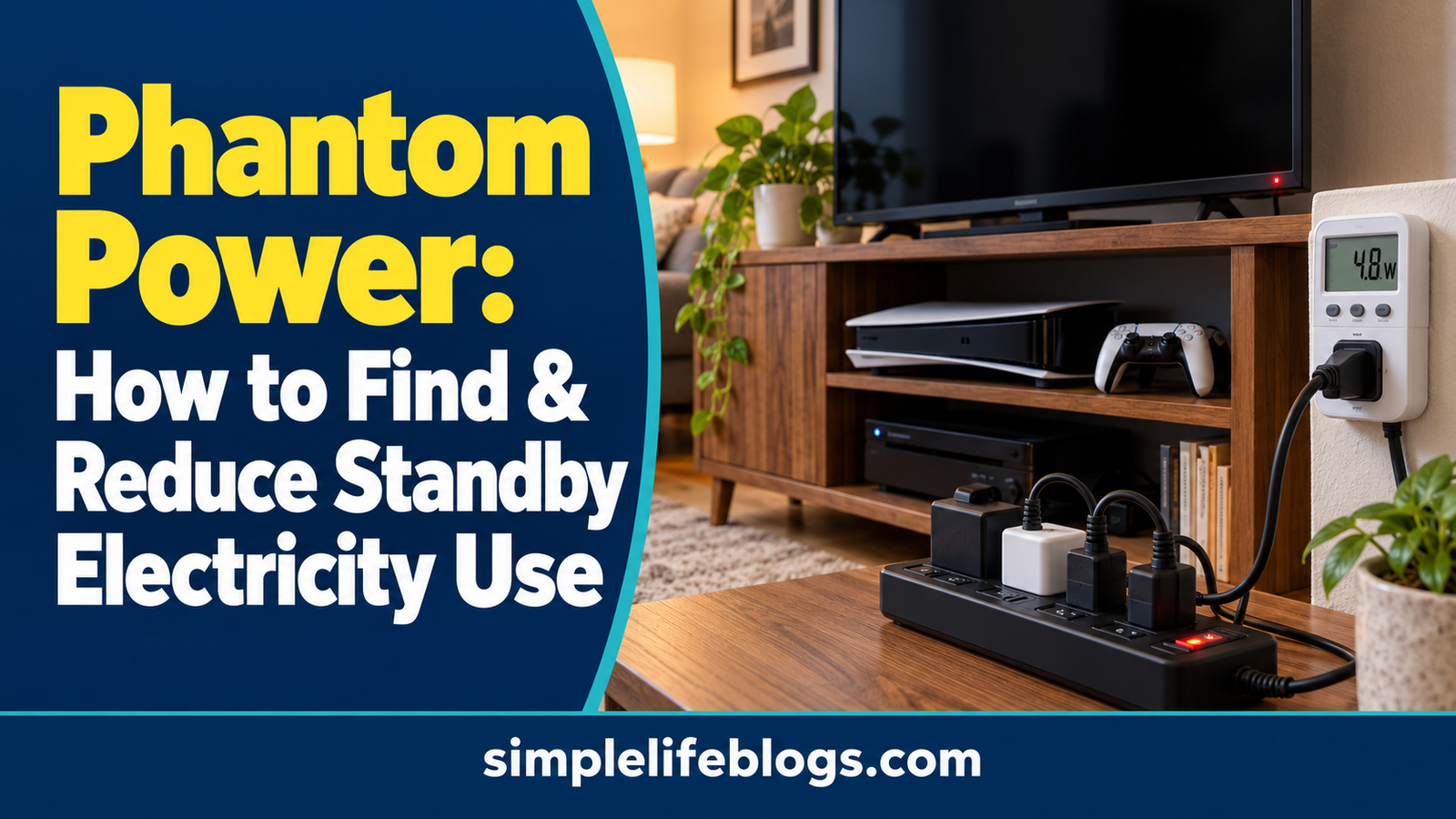
Some electronics consume electricity even when they appear to be switched off. This is often called standby power or phantom power.
A compatible monitor may help you see whether a television, computer, charger, or other electronic device continues to draw power when not actively being used.
To check:
- Measure the device during normal operation.
- Put it into standby or its usual off state.
- Observe whether the watt reading changes.
- If the reading is very low or fluctuates, allow for the monitor’s measurement limits.
- Consider the accumulated kWh over a longer period if the monitor supports it.
A small watt reading does not automatically mean the cost is significant. Multiply the estimated consumption by your electricity rate to assess the potential cost.
Do not disconnect equipment if doing so could interrupt important functions, damage data, affect safety systems, or violate the manufacturer’s instructions.
For more information, see our guide to How to Make Your Home More Energy Efficient
7. How Accurate Are Plug-In Electricity Monitors?
A plug-in monitor can provide useful measurements, but its accuracy depends on the device, appliance, and operating conditions.
Several factors can affect the result:
- Monitor accuracy: Consumer models have different measurement tolerances.
- Low power levels: Very small loads may be difficult for some monitors to measure accurately.
- Changing power demand: One watt reading may not represent an appliance’s average use.
- Motor and compressor loads: Some monitors may not measure certain load types accurately or may not support them at all.
- Measurement period: A short test may miss cycles or unusual operating conditions.
- Electricity rate: A cost estimate will be wrong if the entered rate is incorrect or does not reflect the applicable pricing structure.
For better estimates, use a properly rated monitor, follow its instructions, and measure the appliance during normal operation for a representative period.
Remember that the monitor measures the load connected through it. It does not automatically calculate your entire household bill or include fixed charges, taxes, and all utility fees.
8. Common Mistakes to Avoid
- Checking watts only: A watt reading is not the same as total energy consumption.
- Measuring for too little time: A brief test may not capture the appliance’s normal operating cycle.
- Using an incompatible monitor: Always check voltage, current, power ratings, and supported load types.
- Assuming the maximum wattage is constant: Many appliances draw different amounts of power at different times.
- Entering the wrong electricity rate: Verify the applicable rate on your bill or provider’s schedule.
- Ignoring other bill charges: The estimated appliance cost normally covers energy use, not the entire electricity bill.
- Using damaged or unsuitable equipment: Follow the manufacturer’s safety instructions and stop using equipment that shows signs of damage or overheating.
Frequently Asked Questions
How do I use an electricity usage monitor?
Check that the monitor is compatible with the appliance and outlet. Connect the monitor according to its instructions, plug in the appliance, and operate it normally. Read the wattage and, where available, record accumulated kWh over a representative period.
What is the difference between watts and kWh?
Watts measure electrical power at a particular moment. Kilowatt-hours measure energy consumed over time. For example, a 100-watt device running for five hours uses 0.5 kWh if it draws that power continuously.
How long should I leave an electricity monitor connected?
It depends on the appliance. A few hours may help assess a device with relatively steady power use. Appliances that cycle on and off, such as refrigerators, may need a longer measurement period to estimate typical consumption.
Can I use a plug-in monitor with an air conditioner or electric heater?
Only if the monitor is explicitly rated for the appliance’s voltage, current, power, and load characteristics. High-power heaters and motor-driven equipment can exceed a monitor’s limits. Never assume a standard monitor is suitable without checking its specifications.
Can an electricity monitor tell me how much my whole house uses?
A plug-in monitor measures the appliance connected through it, not the entire house. A compatible whole-home energy monitor may be needed to measure household consumption.
Does an electricity usage monitor show my exact running cost?
It can estimate running costs if it measures energy accurately and uses the correct electricity rate. Actual bills may also include delivery fees, fixed charges, taxes, and other adjustments.
Can I measure standby power with an electricity monitor?
Many compatible monitors can show whether an electronic device draws power in standby mode. Very low readings may be less reliable, depending on the monitor. Check the manufacturer’s stated measurement range and accuracy.
Sources and Further Reading
- U.S. Department of Energy: Estimating Appliance and Home Electronic Energy Use
- U.S. Energy Information Administration: Electricity Explained
- U.S. Department of Energy: Energy Saver
Important: Follow the monitor and appliance manufacturers’ instructions. Check local electrical requirements, and consult a qualified electrician if you are unsure whether a device can be measured safely.