What Is Phantom Power?
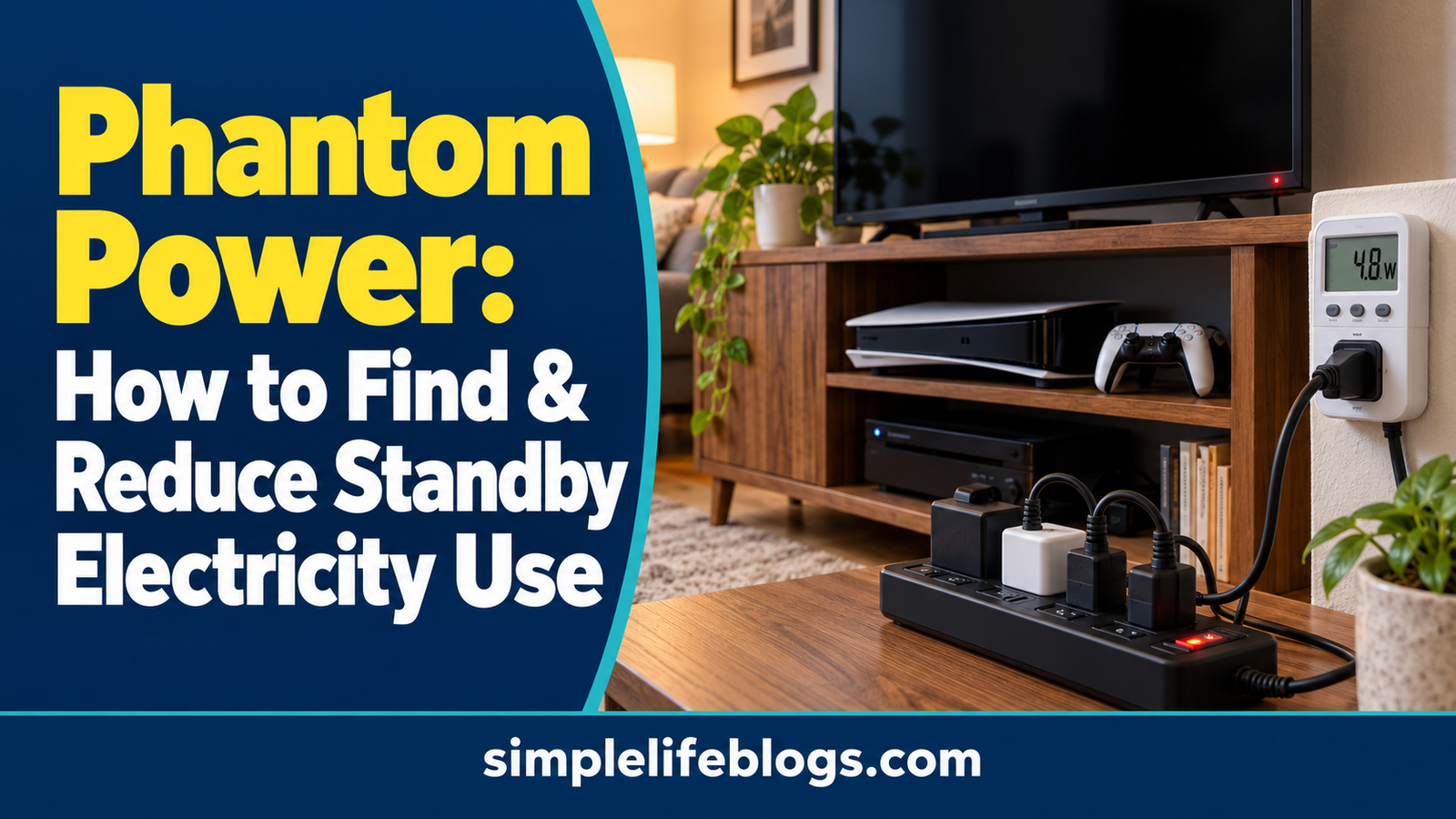
Phantom power, also called standby power or vampire power, is electricity that some devices use when they are switched off, idle, or waiting for a command. TVs, gaming consoles, computers, and smart speakers may continue drawing power to support features such as remote control, network connections, clocks, or quick startup.
The easiest way to reduce phantom power is to identify devices that consume electricity when you are not using them, then switch off or unplug suitable equipment when it is safe and practical. Not every device uses significant standby electricity, so focus on equipment that stays connected for long periods.
1. Which Devices Should You Check First?
Start with electronics that remain plugged in around the clock or use features that keep them ready for immediate use.
| Device | Why it may use standby electricity | What to check |
|---|---|---|
| Television | Remote-control reception, quick startup, network features | Standby settings and quick-start options |
| Gaming console | Background updates, downloads, standby modes | Power-saving and sleep settings |
| Desktop computer | Sleep mode, connected accessories, wake features | Sleep settings and shutdown options |
| Laptop and monitor | Sleep, charging, or standby functions | Power settings and charger use |
| Printer | Network readiness and automatic wake functions | Sleep settings and scheduled operation |
| Smart speaker | Always-on listening and network connectivity | Manufacturer settings and actual usage |
| Streaming device | Network connection and quick startup | Power-saving options, if available |
| Phone and tablet chargers | Some may draw a small amount of power when idle | Whether the charger is needed or can be disconnected |
| Microwave | Clock and display | Whether the display is necessary and whether unplugging is practical |
| Audio equipment | Remote-control and standby features | Auto-standby or power-saving settings |
These are devices worth checking, not a guarantee that each one wastes a large amount of electricity. Actual standby consumption varies by model, settings, and usage.
Refrigerators, medical equipment, security systems, network equipment, and other essential devices should not be switched off simply to reduce standby power.
2. How to Identify Standby Electricity Use
You do not need to measure every device in your home. Begin with equipment that remains connected when you are away, asleep, or not using it.
Check the device settings
Look in the manufacturer’s manual or settings menu for options such as:
- Standby mode
- Sleep mode
- Quick start or instant-on
- Network standby
- Background updates
- Automatic power-off
- Energy-saving mode
Some features are useful, so do not disable them automatically. For example, a gaming console may need to remain in a particular mode to download updates, while a printer may need network standby to receive print jobs.
Choose the settings that balance convenience, energy use, and the way you use each device.
Check the manufacturer’s specifications
Product manuals and manufacturer support pages may explain standby features or provide power-consumption information. Look for standby power, sleep-mode consumption, or energy-use data.
When comparing products, make sure the figures refer to the same operating mode. Active-use power and standby power are different measurements.
Measure only where it is useful
If you already own a suitable electricity monitor, you may be able to use it to check a compatible plug-in device in standby mode. Follow the monitor’s ratings and instructions.
However, you do not need to repeat a full measurement process for every appliance. Check likely sources first, use available product information, and measure only when the result could change what you do.
For details about measuring compatible plug-in appliances, read our guide to using an electricity usage monitor
3. How to Reduce Phantom Power at Home
Once you have identified devices that use standby electricity, choose a practical way to reduce unnecessary consumption.
Turn off devices completely when practical
Some electronics use less electricity when fully shut down than when left in standby mode.
For example, you may be able to switch off a spare television, desktop computer, or audio system when it will not be used for an extended period. Follow the manufacturer’s shutdown instructions first.
Remember that a complete shutdown may prevent background updates, remote access, scheduled tasks, or quick startup.
Use a switched power strip
A switched power strip can make it easier to disconnect several suitable devices together.
For example, a home entertainment area might include a television, streaming device, and sound system. If these devices do not need to remain connected, a suitable power strip can simplify switching them off.
Before using one:
- Check the strip’s electrical rating.
- Keep the total load within its limits.
- Use a product approved for your location.
- Keep it dry and accessible.
- Avoid daisy-chaining multiple power strips.
- Never use it to disconnect equipment that must remain powered for safety or essential functions.
Do not connect high-power heating appliances or other demanding equipment to an ordinary power strip unless the strip is explicitly rated and approved for that use.
Enable energy-saving settings
Many electronics offer settings that reduce unnecessary power use. Depending on the device, you may be able to:
- Shorten the time before sleep mode activates.
- Disable quick-start features you do not need.
- Reduce unnecessary background activity.
- Enable automatic power-off.
- Adjust the display’s automatic shutoff time.
Check what each setting changes before enabling it. A setting that saves power may also delay startup or limit background functions.
Unplug chargers that are not needed
Some chargers continue to draw a small amount of electricity when left connected without a device attached. The amount depends on the charger.
If a charger is not needed, unplugging it is a simple option. Avoid repeatedly unplugging equipment where doing so is inconvenient, unsafe, or likely to damage a connection.
Use timers or smart plugs carefully
A suitable timer or smart plug may help disconnect certain devices on a schedule. For example, it could switch off a nonessential lamp or entertainment accessory during hours when nobody uses it.
Check compatibility and electrical ratings first. Do not use timers or smart plugs for devices that must remain powered, equipment with high startup loads beyond the device rating, or appliances whose operation could become unsafe if power is interrupted.
4. How Much Can You Save by Reducing Standby Power?
Your potential savings depend on how much power a device draws in standby mode, how long it remains in that mode, and your electricity rate.
Use this formula to estimate the energy and cost:
Annual energy use (kWh) = Standby watts × Hours per day × 365 ÷ 1,000
Annual cost = Annual kWh × Electricity rate per kWh
Example: A device drawing 5 watts in standby
Suppose an electronic device draws 5 watts in standby for 20 hours every day. Your electricity rate is $0.16 per kWh.
Annual standby energy:
5 × 20 × 365 ÷ 1,000 = 36.5 kWh
Estimated annual cost:
36.5 × $0.16 = $5.84
If you could eliminate all that standby consumption, the theoretical maximum energy-cost reduction for this example would be $5.84 per year.
In practice, the savings may be smaller because the device might not remain in standby for the full period, or you may need some standby functions.
Compare several devices
Consider these illustrative examples using the same rate of $0.16 per kWh and assuming the listed standby power remains constant for 20 hours per day.
| Standby power | Annual energy use | Estimated annual cost |
|---|---|---|
| 1 watt | 7.3 kWh | $1.17 |
| 3 watts | 21.9 kWh | $3.50 |
| 5 watts | 36.5 kWh | $5.84 |
| 10 watts | 73 kWh | $11.68 |
These examples show why it is useful to prioritize devices that draw more standby power or remain in that state for longer periods. Actual results depend on measured consumption and the applicable electricity rate.
If a device has very low standby consumption, the savings from switching it off may be small. Focus on the devices and habits that make the biggest practical difference.
5. Which Standby Devices Are Worth Prioritizing?
Use this simple order to decide where to start:
- Devices that remain on unnecessarily: Check equipment in guest rooms, spare rooms, or entertainment areas that is rarely used.
- Electronics with quick-start or network standby: Review settings if you do not need instant access or background functions.
- Groups of devices: Consider a suitable switched power strip for several nonessential electronics used together.
- Chargers and accessories: Disconnect unused items when convenient and safe.
- Low-power devices: Check them after higher-priority items, rather than spending time chasing tiny potential savings.
A device that consumes electricity while actively performing a useful task is not necessarily wasting energy. The goal is to reduce unnecessary consumption without sacrificing important functions.
6. What Should You Never Switch Off Just to Save Electricity?
Reducing standby electricity should not compromise safety, security, health, or essential household functions.
Do not disconnect or schedule power interruptions for:
- Medical equipment that requires continuous power.
- Smoke alarms, carbon monoxide alarms, and essential safety devices.
- Security systems that depend on continuous electricity.
- Refrigerators or freezers that need to preserve food.
- Network equipment needed for emergency communication, monitoring, or other essential services.
- Heating or plumbing equipment where interruption could create a safety or damage risk.
- Any device whose manufacturer requires continuous power.
If you are unsure whether a device can be safely disconnected, check its manual or contact the manufacturer.
7. Common Mistakes When Reducing Phantom Power
Assuming every plugged-in device wastes a lot of electricity. Standby use varies, and some devices draw very little power.
Confusing standby power with active-use power. A device may consume substantially more energy while operating than while waiting in standby.
Unplugging equipment without checking its purpose. You could interrupt updates, lose settings, affect security functions, or create safety problems.
Buying equipment before estimating potential savings. Calculate likely savings first. A costly device may take a long time to pay for itself through reduced electricity use.
Ignoring your electricity rate. The same reduction in kWh can have different financial value depending on your rate.
Expecting standby reductions alone to solve a high bill. Heating, cooling, water heating, and other major household loads may account for much larger portions of electricity use.
For a broader approach, see our home electricity use guide and guide to making your home more energy efficient.
Frequently Asked Questions
What is phantom power in a home?
Phantom power is electricity used by devices when they are switched off, idle, or in standby mode. It may support features such as remote control, clocks, network connectivity, and background updates.
How do I reduce phantom power?
Start by identifying devices that draw electricity when not in use. Enable suitable energy-saving settings, fully shut down nonessential electronics when practical, unplug unused chargers, and use a correctly rated switched power strip for compatible devices.
Does unplugging a television save electricity?
It can reduce standby consumption if the television uses electricity while switched off. The savings depend on its standby power, how long it remains connected, and your electricity rate. You may lose features such as quick startup or network access.
Do phone chargers use electricity when not charging?
Some chargers draw a small amount of power when connected without a phone or other device. Consumption varies by charger. Unplugging unused chargers can avoid this use, although the savings from a single charger may be small.
Are smart plugs worth it for reducing standby electricity?
They can be useful when they safely disconnect suitable devices on a schedule. Whether they are worthwhile depends on the electricity saved, the smart plug’s own power consumption, its price, and your usage habits.
How much does standby electricity cost per year?
There is no single amount for every home. Standby power varies by device and household. Estimate annual kWh by multiplying standby watts by standby hours per day and 365, then dividing by 1,000. Multiply the result by your electricity rate to estimate annual cost.
Should I turn off my router at night to save electricity?
Only if you do not need it during those hours. Turning off a router can interrupt internet access, connected devices, security systems, remote monitoring, or scheduled functions. Check your household’s needs before changing its schedule.
Sources and Further Reading
- U.S. Department of Energy: Estimating Appliance and Home Electronic Energy Use
- U.S. Department of Energy: Energy Saver
- U.S. Energy Information Administration: Electricity Explained
Important: Standby power varies by device and operating mode. Check manufacturer instructions before changing settings or disconnecting equipment, and follow applicable electrical safety guidance.