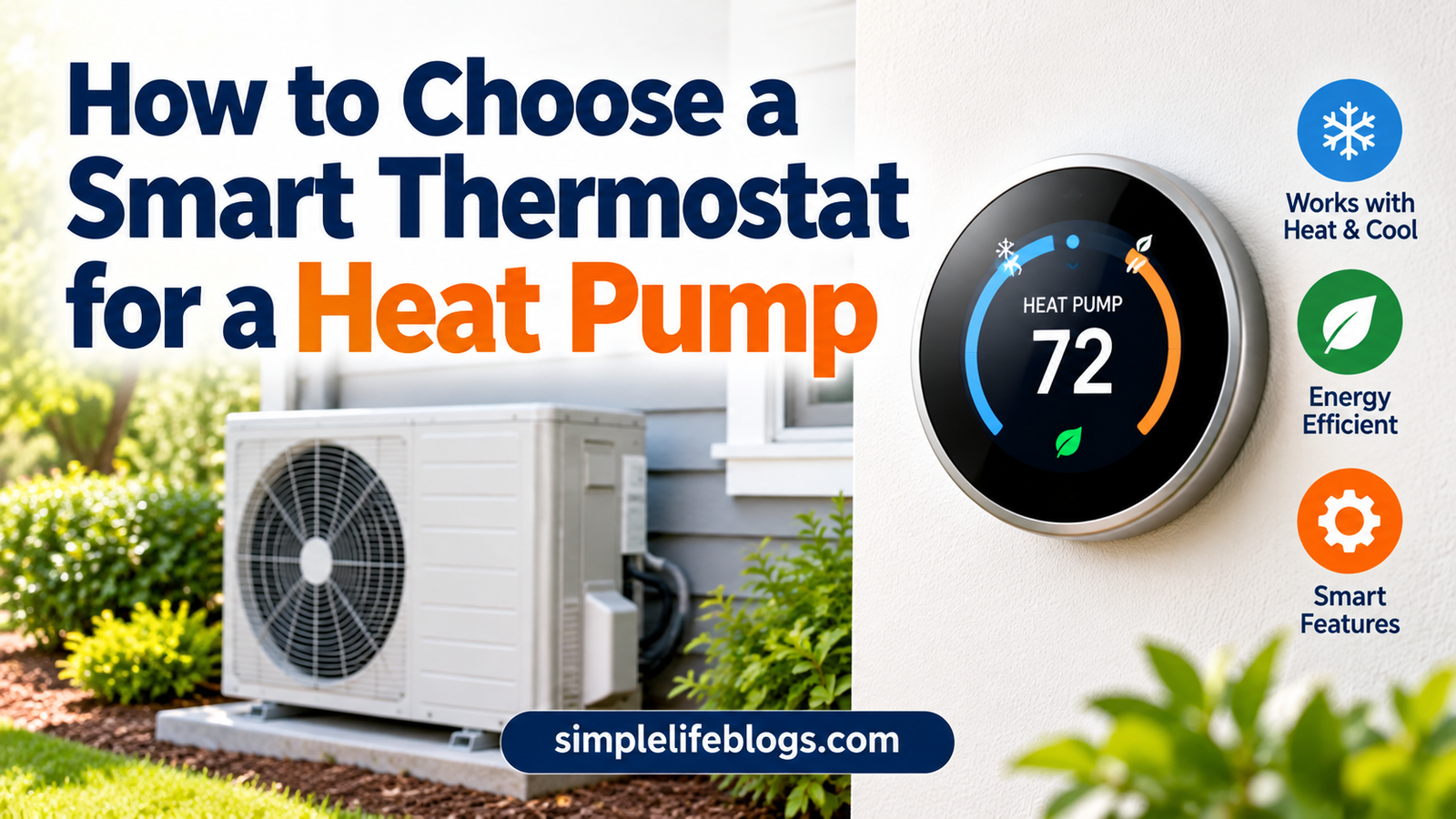
How to Choose a Smart Thermostat for a Heat Pump
A heat pump does not work like a standard furnace and air conditioner, and your thermostat has to understand that. Pick the wrong model and you may get poor comfort, higher bills, or a system that cannot be controlled correctly.
This guide explains how to choose a smart thermostat for a heat pump. It covers system compatibility, auxiliary heat, staging, and the features to verify before you buy. It does not promise a fixed saving, because results depend on your home, your climate, your equipment, and your settings.
Quick Answer
A smart thermostat can work well with a heat pump, but only if it is designed for heat pump systems and compatible with your specific equipment. Before buying, verify these points:
- It supports your heat pump type and number of stages
- It handles the reversing valve (O/B terminal)
- It controls auxiliary or emergency heat properly
- Your home has a C-wire, or the model has another power option
- It works with your brand and communication type (standard low-voltage or proprietary)
Always use the manufacturer’s compatibility checker and installation manual for the exact model, and follow local electrical and building requirements.
Why Heat Pumps Need Different Thermostat Logic
A furnace creates heat by burning fuel or using electric resistance. A heat pump moves heat. In winter it pulls heat from outdoor air into your home. In summer it works in reverse and moves heat out.
This changes what the thermostat must do.
- It must tell the system whether to heat or cool by controlling a reversing valve.
- It must manage the backup heat source, because heat pumps lose capacity as outdoor temperatures drop.
- It must avoid pushing the system into expensive backup heat when it doesn’t need to.
A basic furnace thermostat may not do any of this properly.
System Compatibility Checks
1. Confirm You Have a Heat Pump
Check your outdoor unit’s label or your equipment manuals. Look for words such as “heat pump.” A thermostat’s compatibility checker will usually ask for your wire labels as well. Common heat pump terminals include:
- O/B: the reversing valve
- Y or Y1/Y2: compressor (cooling and heat pump heating)
- W2 or AUX/E: auxiliary or emergency heat
- G: fan
- R, Rc or Rh: power
- C: common wire
Seeing an O/B wire is a good sign you have a heat pump, but check your equipment documents to be sure.
2. Know Whether Your Valve Uses O or B
Some heat pumps energize the reversing valve in cooling mode (O), and others energize it in heating mode (B). A good heat pump thermostat lets you select the right one in setup. If you set this wrong, the system may heat when you want cooling, or the other way around. Check your equipment manual or ask the installer.
3. Check the Voltage
Most smart thermostats are for low-voltage (24V) systems. Do not connect a standard smart thermostat to line-voltage wiring (120V or 240V), such as that used by some electric baseboard heaters. Turn off power before you touch any wiring.
4. Check Whether Your System Is Standard or Proprietary
Some high-efficiency systems, especially variable-speed, inverter-driven, or communicating equipment, use their own communication wiring and may need the brand’s own thermostat. A third-party smart thermostat may not control all their features, or may not work at all. Check this before buying.
5. Ductless Mini-Splits Are Different
Ductless mini-split heat pumps typically use a remote control or their own wall controller. Many do not use standard thermostat wiring. Some brands offer Wi-Fi modules or compatible smart controllers. Check what your manufacturer supports instead of buying a standard thermostat.
6. Verify Power Needs
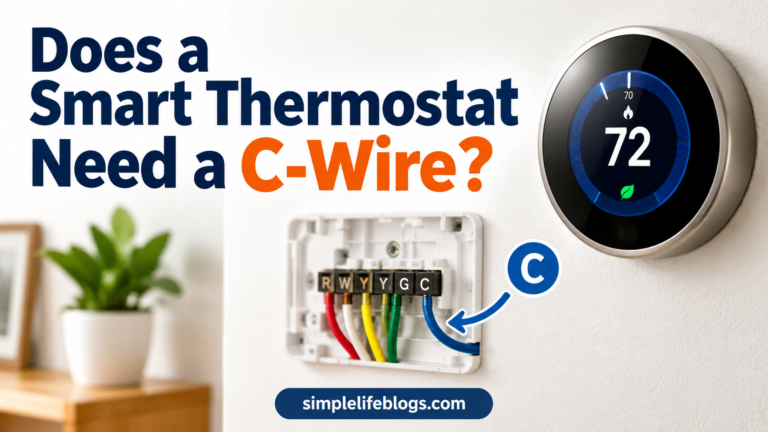
Many smart thermostats need a C-wire. If your home doesn’t have one, see our guide on whether your smart thermostat needs a C-wire for ways to solve it. Heat pump wiring can already use many terminals, so check the wire count and available options before you commit.
Auxiliary Heat Explained
Heat pumps become less effective as outdoor temperatures fall. When the heat pump cannot keep up, the system can turn on auxiliary heat, often electric resistance strips, or a gas furnace in a dual-fuel setup.
Auxiliary heat usually costs more to run than the heat pump itself, so how your thermostat controls it matters.
Auxiliary Heat vs Emergency Heat
These terms get mixed up:
- Auxiliary heat runs automatically alongside the heat pump when extra heat is needed.
- Emergency heat is typically a manual mode that runs the backup heat instead of the heat pump, often if the heat pump fails or has frozen over.
Your thermostat should let you tell them apart. Emergency heat is generally not meant for everyday use. Follow your equipment manufacturer’s guidance.
Features to Look for in Aux Heat Control
- Outdoor-temperature lockout. This stops auxiliary heat from running above a set outdoor temperature, so the heat pump does the work when it can.
- Adjustable aux heat settings. Some thermostats let you set when backup heat can start, based on how far the room is from your setpoint, how long the system has been running, or outdoor conditions.
- Clear emergency heat mode. A separate setting, so you know when you are using it.
- Alerts. Notifications if aux heat runs a lot can help you notice problems.
Not every model offers all of these, and some require a separate outdoor sensor or internet weather data. Check the specifications.
Watch Out for Recovery Features
Many smart thermostats have features that start heating early or run harder to reach a set temperature on time. On a heat pump, a big jump in the setpoint can trigger auxiliary heat. Look for a thermostat that lets you manage this, or set smaller schedule changes to avoid it. Many manufacturers suggest modest setbacks for heat pumps, so check what yours recommends.
For more on settings that affect running costs, see our smart thermostat guide.
Staging: Single, Two-Stage and Variable-Speed
The thermostat needs to match the number of stages your equipment has.
- Single-stage: the compressor is either on or off. Simple thermostats usually work.
- Two-stage: the compressor has a low and a high stage. The thermostat needs multi-stage terminals (such as Y1 and Y2).
- Variable-speed or inverter: the compressor adjusts its output smoothly. Compatibility varies a lot. Some work with standard thermostats, while others need the manufacturer’s control.
Staging also applies to your backup heat. Some systems have more than one stage of auxiliary heat. Check how many heating and cooling stages the thermostat supports, and compare them to your equipment’s.
If a thermostat doesn’t support your number of stages, the system may run at the wrong capacity or fail to run properly.
Features to Verify Before Buying
Use this checklist when comparing models.
| What to Verify | Why It Matters |
|---|---|
| Heat pump support | Not all thermostats handle reversing valves |
| O/B terminal option | Needed to select heating or cooling valve logic |
| Number of heat and cool stages | Must match your equipment |
| Auxiliary and emergency heat support | Controls when costly backup heat runs |
| Aux heat lockout or limits | Can reduce backup heat use when the heat pump can handle the load |
| Dual-fuel support | Needed if you pair a heat pump with a gas furnace |
| C-wire or power options | Avoids power and connection problems |
| Compressor protection | Helps prevent short cycling |
| Outdoor temperature data | Some features rely on a sensor or weather feed |
| Room sensors | Can improve comfort in uneven homes |
| App and voice support | Matters if you want remote control |
| Energy reports | Helps you see run time and backup heat use |
| Warranty and support | Useful if you hit a setup issue |
Dual-Fuel Systems
A dual-fuel system combines a heat pump with a gas furnace. The thermostat can choose which heat source to use, often based on outdoor temperature. Only some smart thermostats support this. If you have dual-fuel equipment, look for explicit support in the compatibility list.
Compressor Protection
Heat pumps should not turn on and off too quickly. Look for thermostats with a built-in delay or minimum run and off times. Short cycling can strain the equipment, so check what the manufacturer says.
Common Mistakes to Avoid
- Buying a model that lists “heat pump” support but not your stage count. Support can be partial.
- Choosing the wrong O/B setting. This is one of the most common setup errors.
- Using large overnight setbacks. They can push the system into backup heat.
- Ignoring proprietary equipment. Communicating systems may not work with standard thermostats.
- Skipping the C-wire check. Low power can cause odd behavior.
- Treating emergency heat like normal heat. Use it as the manual says.
- Not testing after installation. Run heating and cooling modes and watch for correct behavior.
Installation and Safety Tips
- Turn off power at the breaker or system switch before starting.
- Photograph and label the old thermostat wires.
- Follow the thermostat manufacturer’s setup steps for heat pumps.
- Follow your heat pump manufacturer’s recommendations.
- Follow local electrical and building requirements.
- If you see unfamiliar wiring, many wires, or any confusing equipment, hire a licensed HVAC technician.
A professional install is often a smart choice for heat pumps, since wrong settings can affect efficiency and comfort.
Can a Smart Thermostat Save Money With a Heat Pump?
It can help, but there is no guaranteed return. Savings depend on your climate, insulation, equipment efficiency, energy prices, and settings. The biggest risk with heat pumps is unnecessary auxiliary heat use, which can cancel out gains from scheduling.
A thermostat that controls backup heat well, together with sensible schedules, gives you the best chance of benefit. If you want to understand what is driving your costs, our guides on how to read an electricity bill and measuring and calculating home electricity use can help. For broader upgrades, see how to make your home more energy efficient.
If you are still weighing whether to buy a smart model at all, our smart vs programmable thermostat comparison covers the costs and trade-offs.
Frequently Asked Questions
Do I need a special smart thermostat for a heat pump?
You need one that supports heat pump systems. Not every smart thermostat does, so check for heat pump compatibility and your system’s stage count.
What is the O/B terminal?
It connects to the reversing valve, which switches the heat pump between heating and cooling. Your equipment decides whether it uses O or B, so check the manual.
What is auxiliary heat on a heat pump?
It is backup heat, often electric resistance or a gas furnace, that helps when the heat pump alone can’t meet demand.
Is emergency heat the same as auxiliary heat?
No. Auxiliary heat runs automatically with the heat pump. Emergency heat is usually a manual mode that replaces the heat pump, typically for a malfunction.
Can a smart thermostat reduce auxiliary heat use?
Some can, through lockout settings, smarter recovery, or alerts. Check which features your model has, and use moderate schedule changes.
Will a smart thermostat work with a variable-speed heat pump?
Sometimes. Many variable-speed and inverter systems use proprietary controls. Check both manufacturers’ compatibility information first.
Can I use a smart thermostat with a ductless mini-split?
Most mini-splits do not use standard thermostat wiring. Look for a Wi-Fi option or controller from the mini-split manufacturer.
Do I need a C-wire for a heat pump thermostat?
Many smart thermostats need one. Some have other power options. See our C-wire guide and check the model’s instructions.
Should I hire a professional to install it?
Consider it if your system is complex, uses multiple stages, is dual-fuel, or if you’re unsure about the wiring.
Final Thoughts
The best smart thermostat for a heat pump is the one that matches your equipment and controls backup heat well. Check the heat pump type, the O/B setting, staging, auxiliary and emergency heat, and power requirements before you buy. Then use modest schedules so the system isn’t pushed into costly backup heat.
Use the manufacturer’s compatibility checker and read the installation manual for both your thermostat and your heat pump. If anything is unclear, ask a licensed HVAC technician.